




You settle into a bar near the Pantheon, order a cappuccino, and ask the person behind the counter for the Wi-Fi. They point at a handwritten sign: BarCentrale, password caffe1234. Within ninety seconds your phone is on a network shared with everyone in the room, and possibly everyone in the building next door. That is fine for checking train times. It is not fine for logging into your bank.
Public Wi-Fi in Italy is plentiful and generally usable. Hotels, B&Bs, cafés, airports, and even some trains hand out access freely. The risk is not that every network is hostile—it is that you cannot tell the difference between a well-run one and a careless one, or between the real network and a copycat sitting next to it. A short routine before you tap Connect takes care of most of it.
What to prepare before you leave the hotel room
Most of the protection happens offline. Set your phone and laptop up once, then the decisions get easier at every stop afterward.
- Turn off auto-join. If your device silently reconnects to any network named Free_WiFi, it will eventually reconnect to the wrong one. On iPhone, set Wi-Fi to ask before joining; on Android, disable auto-reconnect per network.
- Forget old networks. Clear out networks you used in other cities. A phone carrying a list of remembered SSIDs broadcasts them, and that list is useful to anyone spoofing a hotspot.
- Update the system and browser. Patched devices resist the kind of attacks shared networks attract.
- Install your VPN before you travel, and test it at home. A VPN you are trying to configure for the first time in an airport, on a captive portal, is a VPN you will give up on.
- Turn on a screen lock with a strong PIN or biometrics, and enable full-disk encryption, which is default on modern iPhones and Androids but often optional on Windows laptops.
- Move your two-factor codes to an authenticator app rather than SMS. SMS codes can be intercepted, and roaming SMS can be unreliable anyway.
How Wi-Fi in Italy actually works
Hotels, B&Bs, and agriturismi
Expect a captive portal: you connect, a page opens, and you enter a room number, a surname, or a code printed on your key card. Some properties ask for a passport at reception to activate access, which is normal. Very often the whole building runs on one router with one password, and that password is the same one that was in use three seasons ago. Assume the guest in the next room knows it.
Bars, cafés, and restaurants
The password is usually at the counter—either on a chalkboard or typed into your phone by the barista when you ask, “Qual è la password del Wi-Fi?” Networks are typically named after the business or the owner's surname. Signal frequently spills onto the pavement, which means people who are not customers are on the same network. This is the right place to check maps and messages, and the wrong place to type a card number.
Airports, stations, and trains
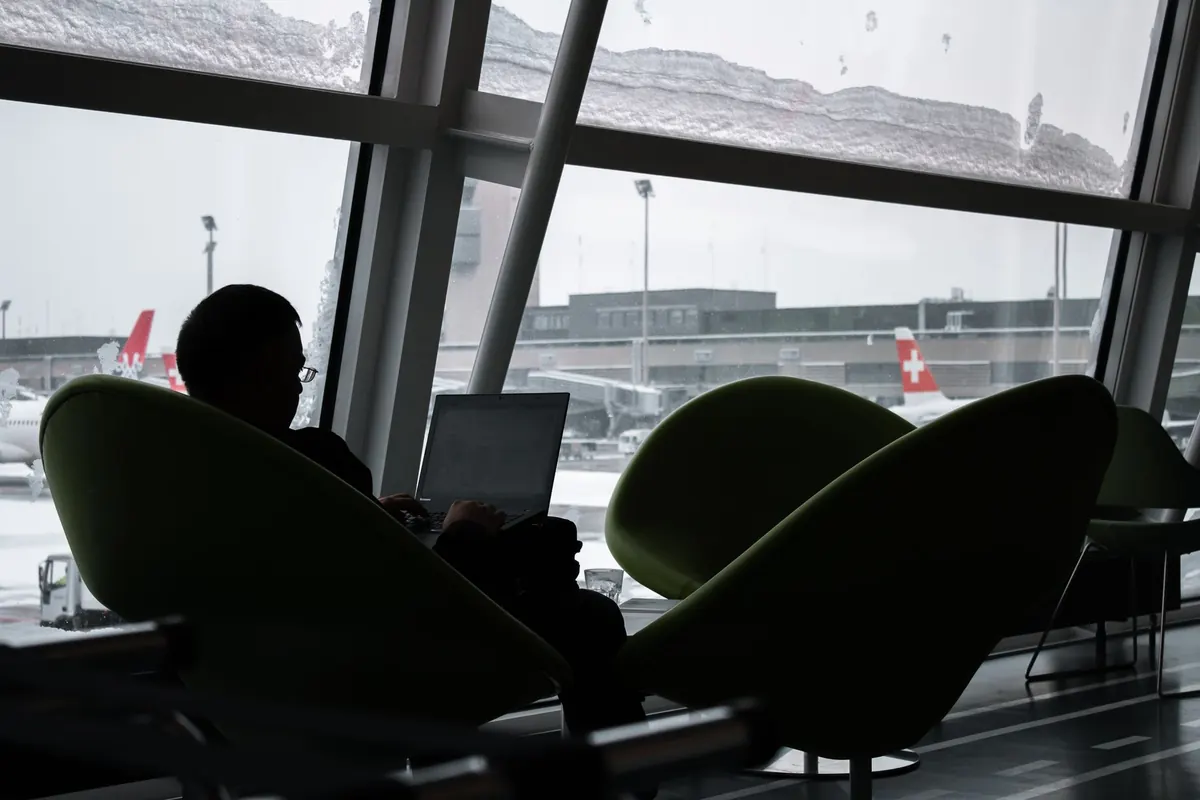
Fiumicino and Malpensa, Milano Centrale and Roma Termini, and high-speed Trenitalia services all offer some form of free access, usually through a portal that asks for an email address or a phone number. Read what you are agreeing to before you type. The bigger concern in these locations is not the official network—it is what is sitting alongside it.
The copycat hotspot problem
Anyone with a laptop and a few euros of hardware can broadcast a network called FCO_Free_WiFi or Hotel_Roma_Guest. It looks convincing. When you connect, your traffic routes through their machine, and any login page you accept can be theirs.
Two habits defeat most of this. First, ask a member of staff for the exact network name and write it down—do not guess from a list. Second, disconnect immediately if a portal asks for a card number, a bank login, or your email password. Genuine free Wi-Fi in Italy asks for a room number or an email address at most.
If two networks look nearly identical, and one of them has a slightly different spelling, that is the moment to stop and ask.
Things to keep off public Wi-Fi entirely
- Banking apps and home-banking websites, including balance checks.
- Card payments for online shopping or bookings, even on familiar sites.
- Passport, ID, or visa scans uploaded to anything.
- Password resets and new account sign-ups.
- Work systems that are not behind your employer's VPN.
None of this is about Italy specifically. It is simply that shared networks—especially ones with a password everyone in the room knows—are not the place for credentials you cannot afford to lose. If a payment or account does look wrong afterward, contact your bank using the number printed on your card, never a link from an email.
A two-minute routine before you connect
- Ask staff for the exact network name, and confirm it against the one your phone shows.
- Turn off file sharing and AirDrop-style receiving before you join.
- Switch your VPN on.
- Check that sites show the padlock and that the address starts with https. If a familiar site suddenly drops to plain HTTP, log out.
- Do your browsing and messaging, then use “Forget this network” when you leave.
When you genuinely need to do something sensitive
Buy a local SIM or an eSIM. Italian operators sell tourist data plans that need only your passport at the counter, and an eSIM can be installed before you fly. Mobile data is not magically secure, but it avoids the shared-network problem altogether and it is usually faster than café Wi-Fi.
Your phone's own hotspot is the other reliable option. Tether your laptop to your phone's data connection in the hotel room and do the banking, the booking change, or the document upload there. If you are staying somewhere with a wired connection or a private network with a password only your room has, that works too.
For anything involving large transfers, new payees, or account changes, it can be worth waiting until you are home or speaking to your bank directly about how to do it safely from abroad.
The habit worth keeping
You do not need to avoid public Wi-Fi in Italy. The networks are useful, and refusing them makes travel harder than it needs to be. What you need is a line you do not cross. Treat café, hotel, and airport Wi-Fi as public space: fine for reading, fine for messaging, fine for checking whether the 14:20 to Florence is delayed. Keep passwords, cards, and identity documents for your own data connection or a network you control. Once that split becomes automatic, the handwritten password on the bar counter stops being a small gamble and becomes just another convenience.
Photo: NHP&Co / Pexels